
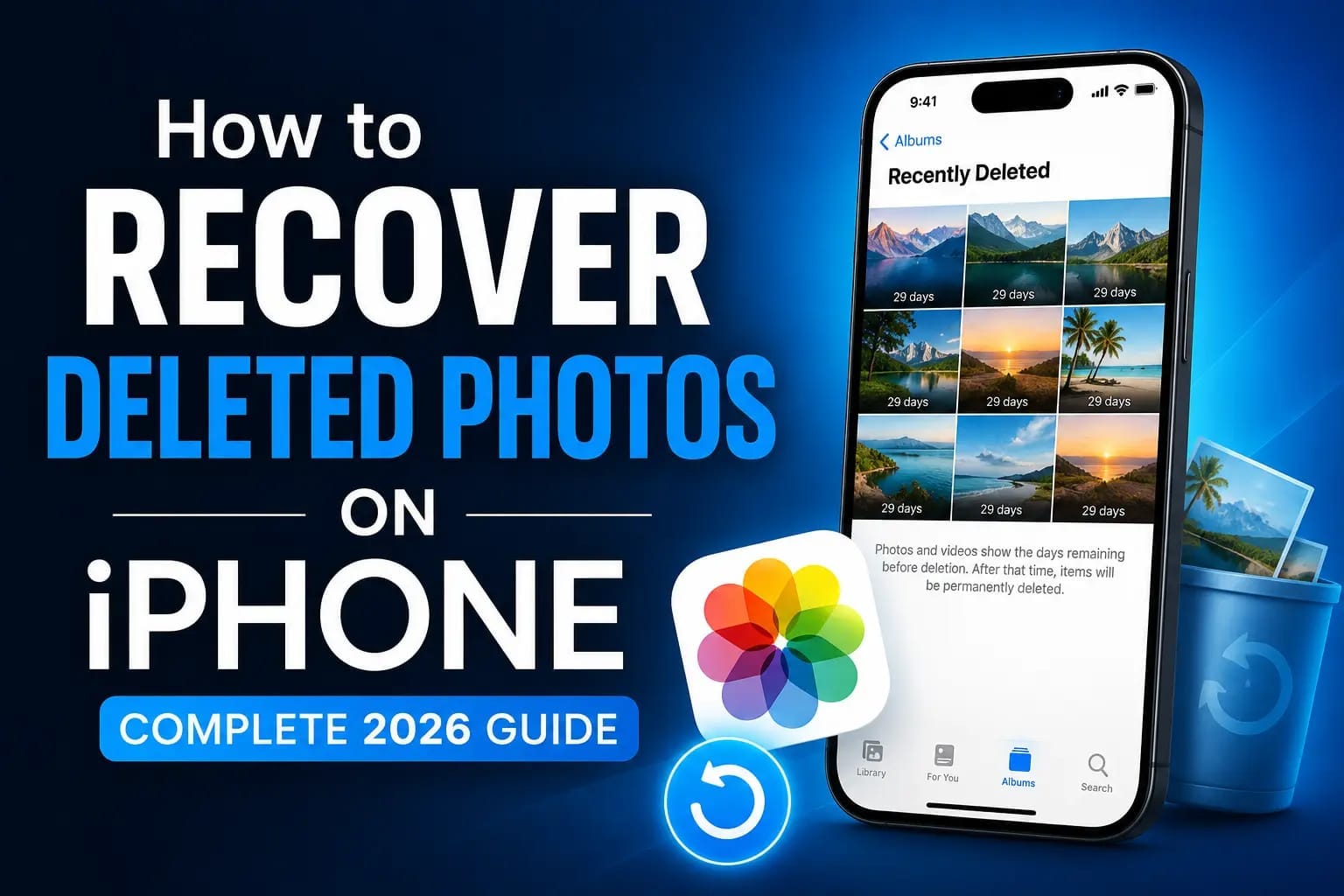
Introduction to Recover Deleted Photos on iPhone
Losing precious photos on your iPhone can be heartbreaking—whether family memories, vacation snaps, or important documents. Fortunately, Apple provides several built-in ways to recover deleted photos on iPhone, and advanced methods exist even if you’ve emptied the Recently Deleted folder.
In this complete 2026 guide, you’ll learn every proven method to restore deleted photos on iPhone running iOS 18 or later. We’ll cover quick fixes, backup restoration, and reliable third-party solutions. Most users can recover their photos within minutes using the steps below.
Photos deleted from your iPhone aren’t immediately gone forever. Apple’s system keeps them in a special album for up to 30 days, giving you a safety net.
Why Photos Get Deleted Accidentally:
- Clearing storage space
- Bulk deletion mistakes
- Software glitches or iOS updates
- Children or family members using the device
Don’t panic. Follow this guide systematically.
Understanding the Recently Deleted Folder on iPhone
The Recently Deleted album is your first and easiest stop when learning how to recover deleted photos on iPhone.
How Long Do Deleted Photos Stay? Deleted photos and videos remain in the Recently Deleted album for 30 days before permanent deletion. If you delete them manually from this album, they are removed immediately.
Step-by-Step: Recover from Recently Deleted
- Open the Photos app on your iPhone.
- Tap Albums at the bottom.
- Scroll down to the Utilities section (or Collections in some views).
- Tap Recently Deleted.
- Authenticate with Face ID, Touch ID, or passcode (iOS 16+ requirement).
- Select the photos you want to recover.
- Tap Recover > Recover Photo (or Recover All).
Your photos will return to their original albums and the main Library.
Pro Tip: In iOS 18, you may also see a Recovered album under Utilities for photos that reappear from iCloud sync issues.
How to Recover Deleted Photos on iPhone from iCloud
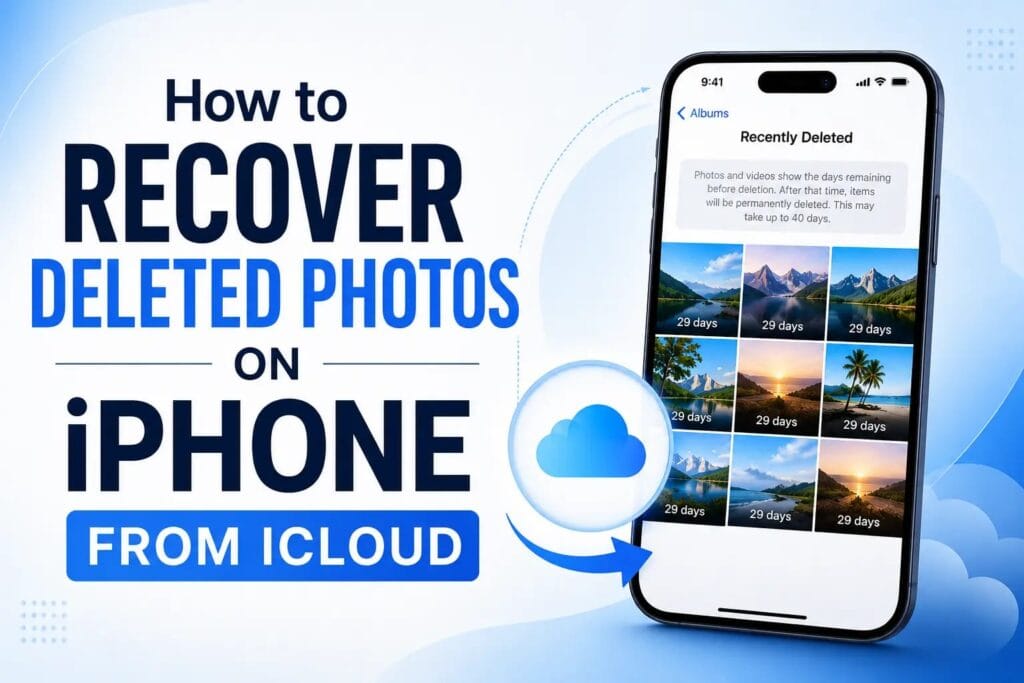
If iCloud Photos was enabled, your library syncs across devices and the cloud.
Method 1: Via iCloud.com
- Go to icloud.com on any browser.
- Sign in with your Apple ID.
- Click Photos.
- Check the Recently Deleted album on the left sidebar.
- Select and recover photos.
This works even if the photos are gone from your device.
Method 2: Enable iCloud Photos Sync
- Go to Settings > [Your Name] > iCloud > Photos.
- Turn on iCloud Photos.
- Choose Download and Keep Originals or Optimize iPhone Storage.
- Wait for the library to sync—deleted photos may reappear if still available in iCloud.
Recovering from iCloud or Computer Backups
If photos are older than 30 days, backups are your best bet.
Restore from iCloud Backup:
- Go to Settings > General > Transfer or Reset iPhone > Erase All Content and Settings.
- During setup, choose Restore from iCloud Backup.
- Select a backup from before the deletion.
Warning: This erases current data. Back up your existing content first.
Restore from Finder/iTunes Backup (Computer):
- Connect iPhone to Mac/PC.
- Open Finder (macOS Catalina+) or iTunes.
- Select your device.
- Choose Restore Backup and pick the right date.
This is highly effective for recover deleted photos on iPhone scenarios.
How to Recover Permanently Deleted Photos on iPhone Without Backup
No backup? Don’t lose hope. Third-party tools can scan device storage for remnants.
Recommended Tools (2026):
- iMyFone D-Back
- Tenorshare UltData
- Disk Drill
- AppGeeker iOS Data Recovery
- Dr.Fone
These tools connect your iPhone to a computer and perform deep scans.
General Steps for Third-Party Recovery:
- Download and install reputable software on your computer (avoid shady sites).
- Connect your iPhone via USB (trust the computer).
- Select Recover from iOS Device or similar mode.
- Scan for Photos / Camera Roll.
- Preview recoverable files (many tools show thumbnails).
- Select and recover to your computer first, then transfer back to iPhone.
Success Rate Factors:
- Time since deletion (fresher = better)
- Storage usage (less overwriting = higher chance)
- iOS version and device model
Comparison Table: Recovery Methods
| Method | Success Rate | Time Required | Needs Backup? | Cost | Ease of Use | Data Risk |
|---|---|---|---|---|---|---|
| Recently Deleted | Very High | 1-2 minutes | No | Free | Very Easy | None |
| iCloud.com | High | 5 minutes | No (if synced) | Free | Easy | Low |
| iCloud Backup Restore | High | 30-60 mins | Yes | Free | Medium | High (full reset) |
| Computer Backup Restore | High | 30-90 mins | Yes | Free | Medium | High (full reset) |
| Third-Party Software | Medium-High | 15-45 mins | No | $30-80 | Easy | Low |
| Professional Data Recovery | Variable | Days | No | $200+ | Hard | Low |
This table helps users quickly compare options for recover deleted photos on iPhone.
Advanced Tips and Prevention Strategies

Check Other Places Photos Might Hide:
- Messages app (shared photos)
- WhatsApp, Telegram, Instagram downloads
- Google Photos or other cloud backups
- Email attachments
- Files app
Enable Automatic Backups:
- Turn on iCloud Backup (Settings > [Your Name] > iCloud > iCloud Backup).
- Use Google Photos for additional backup.
- Regularly export to computer.
iOS 18+ Features:
- Improved Recovered album.
- Better photo library management.
- Enhanced security for Recently Deleted.
What Not to Do:
- Avoid heavy device usage after deletion (increases overwriting).
- Don’t install untrusted apps.
- Don’t factory reset without trying other methods first.
Troubleshooting Common Issues
Photos Not Showing After Recovery?
- Restart iPhone.
- Check iCloud sync status.
- Update to latest iOS.
“Recently Deleted” Empty?
- Photos were manually deleted from there or older than 30 days.
- Move to backup or third-party recovery.
iCloud Photos Not Syncing?
- Check internet connection.
- Ensure enough iCloud storage.
- Sign out and back into Apple ID.
Real User Stories and Case Studies
Many users successfully recovered photos years old using third-party tools when backups failed. For example, family vacation photos deleted during a storage cleanup were restored via deep scan tools in 2025-2026 reports.
Frequently Asked Questions (FAQs)
1. Can I recover deleted photos on iPhone after 30 days? Yes, possibly via backups or third-party software, though success isn’t guaranteed.
2. Is there a free way to recover permanently deleted photos? Recently Deleted and iCloud methods are free. Third-party tools usually require purchase for full recovery.
3. Does factory reset help recover deleted photos? No— it erases more data. Only use during controlled backup restore.
4. Will third-party tools void my warranty? Reputable tools like those mentioned do not void warranty if used correctly.
5. How to recover deleted photos from iPhone 16 / iOS 18? All methods above work seamlessly on latest models.
6. Can police or forensics recover deleted iPhone photos? In some cases, but not practical for personal use.
Best Practices for Photo Management in 2026
- Use multiple backup solutions (3-2-1 rule: 3 copies, 2 media types, 1 offsite).
- Organize albums regularly.
- Enable iCloud Photos + Google Photos.
- Use apps like Photo Recovery or cleaner tools carefully.
Read More: Best Free AI Tools 2026: The Ultimate Guide to Free AI Power in 2026
Conclusion
Recovering deleted photos on iPhone is usually straightforward thanks to Apple’s 30-day safety net and robust backup system. Start with Recently Deleted, then move to iCloud or backups. For permanent deletions, trusted third-party software offers the best chance without full device reset.
Act quickly—the sooner you try, the higher your success rate. Bookmark this guide and set up automatic backups today to avoid future stress.
By following these detailed steps, thousands of users have successfully restored their memories. If you have a specific iPhone model or iOS version, feel free to share more details for tailored advice.
Additional Expert Tips to Successfully Recover Deleted Photos on iPhone
When you need to recover deleted photos on iPhone, timing is everything. The sooner you begin the recovery process, the better your chances of success. Avoid using your iPhone heavily for installing new apps or taking new photos right after deletion, as this can overwrite the deleted data.
Many users successfully recover deleted photos on iPhone by combining multiple methods. For instance, first check the Recently Deleted album, then try iCloud.com, and finally use professional software if needed. This layered approach increases your overall success rate significantly.
Another important step is to regularly back up your device. Users who maintain consistent backups can easily recover deleted photos on iPhone even months after accidental deletion. Tools like iMyFone D-Back have helped thousands of people recover deleted photos on iPhone without needing a full factory reset.
If you are using an iPhone 16 or iPhone 16 Pro, the latest iOS updates have improved the photo recovery system, making it easier to recover deleted photos on iPhone directly from the device. Always keep your iOS updated to enjoy these enhancements.
For users who have turned off iCloud Photos, it becomes slightly more challenging to recover deleted photos on iPhone, but third-party tools still offer excellent results. In 2026, many new data recovery applications have entered the market with better scanning algorithms specifically designed to help users recover deleted photos on iPhone.
Photographers and heavy iPhone users recommend enabling both iCloud and Google Photos backup simultaneously. This habit ensures you can quickly recover deleted photos on iPhone from at least one reliable source.
Parents often search for ways to recover deleted photos on iPhone after their children accidentally delete family pictures. In such cases, using a computer-based recovery tool is usually the fastest solution.
Common Mistakes to Avoid While Recovering Photos
While trying to recover deleted photos on iPhone, many people make the mistake of restoring an old backup without first backing up their current data. Always create a fresh backup before performing any restore operation.
Another common error is downloading unreliable recovery apps from untrusted sources. Stick to well-known tools to safely recover deleted photos on iPhone.
Latest Methods in 2026
In 2026, Apple has introduced better integration with external storage. You can now connect external drives and attempt advanced recovery options. Many professionals now use these new features along with specialized software to recover deleted photos on iPhone more efficiently than ever before.
Final Call to Action
Don’t wait until it’s too late. Start implementing these methods today to recover deleted photos on iPhone and protect your precious memories. Share this guide with friends and family so they also know how to recover deleted photos on iPhone when needed.
By following all the steps mentioned in this comprehensive guide, you now have complete knowledge to confidently recover deleted photos on iPhone in any situation.