
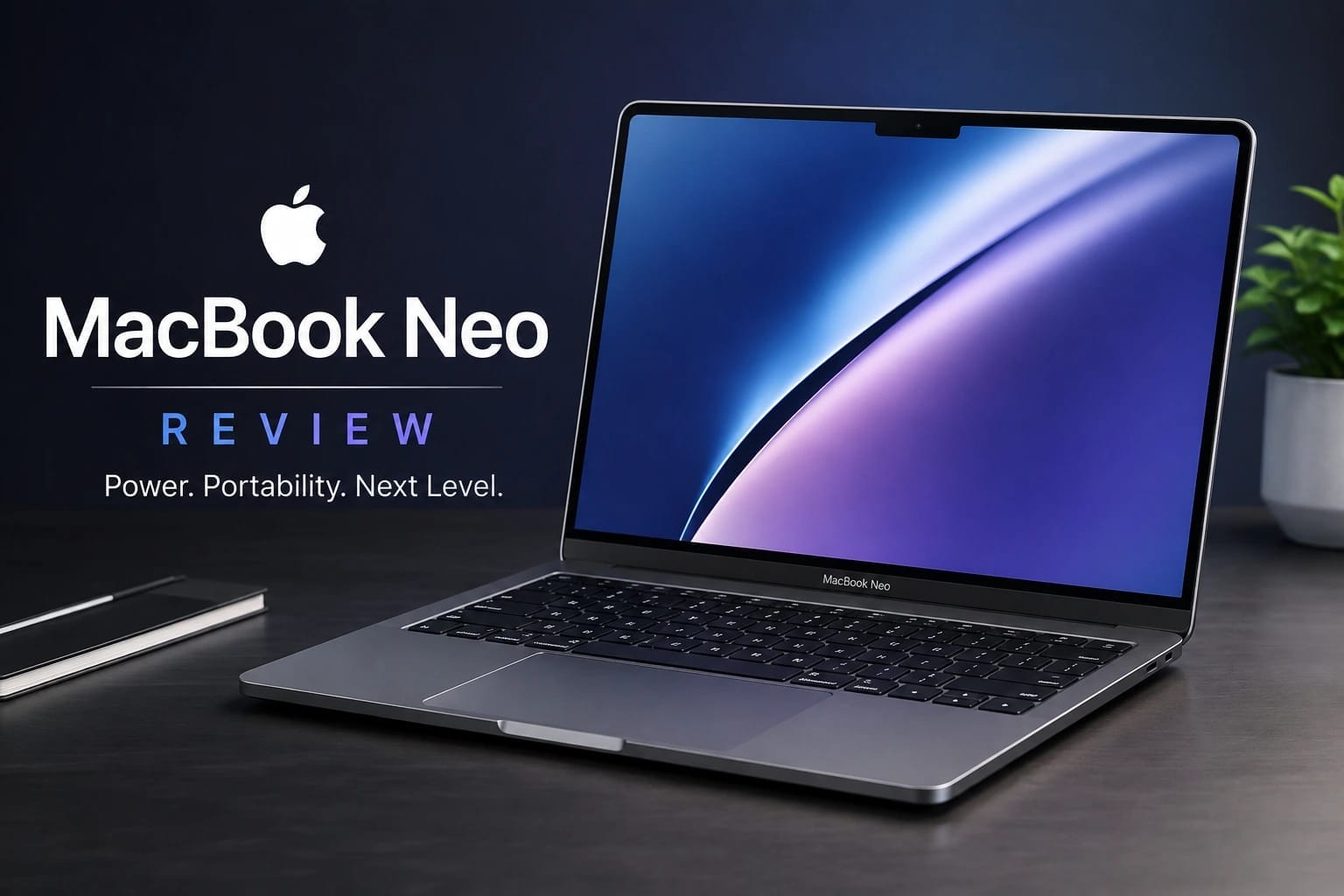
Short Direct Answer:
The MacBook Neo review is an excellent entry-level Mac for students and everyday users. Its A18 Pro chip, sharp display, quiet design, and long battery life are impressive, but 8GB memory, no keyboard backlight, and limited ports restrict demanding workloads.
MacBook Neo review and key features
The MacBook Neo review starts with a simple conclusion: Apple’s affordable laptop delivers a polished experience for students, families, and everyday users who want macOS without paying MacBook Air or MacBook Pro prices. The MacBook Neo combines an A18 Pro chip, a 13-inch Liquid Retina display, an aluminum body, silent fanless operation, and strong battery life. It is not designed to replace a professional workstation, but its combination of portability, performance, and simplicity makes it one of the most interesting entry-level Macs.
MacBook Neo specifications
| Specification | MacBook Neo |
|---|---|
| Processor | Apple A18 Pro, 6-core CPU |
| Graphics | 5-core GPU |
| Memory | 8GB unified memory |
| Storage | 256GB or 512GB SSD |
| Display | 13-inch Liquid Retina |
| Resolution | 2408 × 1506 |
| Refresh rate | 60Hz |
| Brightness | Up to 500 nits |
| Camera | 1080p FaceTime HD |
| Wireless | Wi-Fi 6E, Bluetooth 6 |
| Ports | Two USB-C ports, 3.5mm headphone jack |
| Battery | Up to 16 hours video streaming |
| Weight | 1.23kg |
Design and build quality
One of the strongest points highlighted in this MacBook Neo review is the physical design. Apple has kept the laptop compact and lightweight while using an aluminum enclosure that feels considerably more premium than many budget Windows notebooks.
At approximately 1.23kg, the Neo is easy to carry throughout the day. Students can move it between classes, while home users can comfortably use it around the house. Its slim profile also makes it convenient for backpacks and smaller workspaces.
Apple offers several colors, including Silver, Blush, Citrus, and Indigo. The different finishes give the Neo a more distinctive personality than many inexpensive laptops.
The keyboard provides a familiar Mac typing experience, while the large Multi-Touch trackpad makes navigation comfortable. However, Apple has made some compromises to keep the price down. The keyboard does not have backlighting, which can be inconvenient when working in a dark room. The base model also lacks Touch ID.
Display quality
The 13-inch Liquid Retina display is another major strength. With a 2408 × 1506 resolution, the screen produces sharp text and detailed images. The 500-nit brightness is suitable for everyday indoor work and most ordinary lighting conditions.
Colors look vibrant, making the laptop suitable for streaming movies, browsing photographs, studying, and general creative work. The 60Hz refresh rate is less impressive than some competing Windows laptops that offer faster panels, but it is perfectly usable for productivity.
For students and office users, the display provides the clarity needed for documents, spreadsheets, websites, and video calls without making the laptop unnecessarily large.
A18 Pro performance
Performance is where the MacBook Neo review becomes particularly interesting. The A18 Pro gives the Neo considerably more processing capability than many traditional budget laptops.
For normal workloads, the laptop feels responsive. Opening websites, switching between applications, writing documents, attending video meetings, watching streaming content, and managing email are all appropriate tasks for the Neo.
The six-core CPU and five-core GPU also provide enough capability for light photo editing and occasional creative applications. Apple’s media engines further improve its ability to handle supported video and media workloads.
However, the Neo should not be confused with a professional MacBook. Users working with large video projects, complex 3D applications, virtual machines, or demanding development environments will benefit from a MacBook Air or MacBook Pro with more memory and greater sustained performance.
8GB unified memory
The biggest technical concern is the 8GB unified memory configuration. For ordinary productivity, 8GB can be sufficient, especially when applications are relatively lightweight.
The problem appears when users keep many demanding applications open simultaneously. Large creative projects, development tools, virtual machines, and extensive multitasking can place greater pressure on available memory.
Because the memory cannot be upgraded later, buyers should consider their expected workload before purchasing. Someone buying the laptop primarily for schoolwork and browsing is unlikely to encounter major problems, while a professional user may quickly outgrow it.
Fanless operation and everyday comfort
The fanless design is an underrated advantage. The Neo does not produce the familiar fan noise associated with many laptops, making it particularly pleasant in libraries, classrooms, bedrooms, and quiet offices.
For ordinary workloads, the silent operation contributes to a premium feeling. The limitation is sustained performance. A fanless design is not ideal for continuously heavy workloads because thermal limits can become more important during demanding tasks.
For the audience targeted by the Neo, however, silent operation makes sense. Most users spend more time browsing, writing, streaming, and communicating than rendering complex projects.
Camera, microphones, and connectivity
The 1080p FaceTime HD camera is well suited to video meetings, online classes, and casual calls. The improved resolution is useful compared with the basic webcams found on many budget laptops.
The built-in microphones are designed to provide clearer voice capture, while Apple’s software features can help improve communication in supported applications.
Connectivity is adequate rather than generous. The laptop includes two USB-C ports and a 3.5mm headphone jack. One USB-C port supports faster USB 3 connectivity, while the other operates at USB 2 speeds. Both can be used for charging.
The limited port selection means users with several accessories may eventually need a USB-C hub. This is not unusual for a thin modern laptop, but it is still worth considering before buying.
Battery life
Battery life is one of the Neo’s most attractive features. Apple rates it for up to 16 hours of video streaming and up to 11 hours of wireless web use.
Real-world endurance naturally varies according to brightness, applications, wireless activity, and workload. Nevertheless, the efficiency of Apple silicon gives the Neo a strong foundation for all-day portable computing.
For students, this means less dependence on chargers during classes. Office users can also move around during the day without constantly searching for a power outlet.
Real-world user experience
In everyday use, the MacBook Neo review points toward a laptop designed around simplicity. It starts quickly, applications open responsively, and ordinary macOS navigation feels smooth.
Web browsing with multiple normal tabs, writing assignments, preparing presentations, watching videos, joining online meetings, and using productivity applications are all natural workloads.
The combination of a sharp display, accurate trackpad, comfortable keyboard, silent operation, and low weight makes the Neo particularly enjoyable for basic productivity.
The limitations become clearer with heavier workloads. Large creative projects and extensive multitasking can expose the 8GB memory ceiling, while the fanless design is less suitable for prolonged intensive processing.
Pros and cons
Pros
- Premium aluminum construction
- Lightweight and portable design
- Strong A18 Pro performance for everyday tasks
- Sharp Liquid Retina display
- Silent fanless operation
- Long battery life
- 1080p webcam
- Headphone jack included
Cons
- Only 8GB unified memory
- No keyboard backlighting
- Touch ID unavailable on the base model
- Limited number of ports
- 60Hz display
- Not ideal for sustained professional workloads
MacBook Neo review, price, and alternatives
Price and availability
The MacBook Neo review would not be complete without considering its position in Apple’s lineup. The laptop launched at an entry-level price intended to make Mac ownership more accessible.
Pricing can vary between countries, retailers, education programs, and promotions. Buyers should therefore check Apple’s official store or an authorized retailer for the latest local price before purchasing.
The 256GB model is appropriate for users who rely heavily on cloud storage and streaming. The 512GB configuration is more practical for people who expect to store large applications, photographs, downloads, and documents locally.
MacBook Neo vs MacBook Air
The MacBook Air is the obvious alternative for buyers who can spend more. It offers greater performance headroom and can be configured with more memory, making it better suited to professional applications and demanding multitasking.
The Neo makes more sense when price, portability, and everyday simplicity are the priorities. A student writing assignments or an ordinary home user may not notice enough difference to justify the extra cost of an Air.
For programmers, creators, professionals, and users planning to keep their laptop for many years, the additional flexibility of the Air can make it the better investment.
MacBook Neo vs Windows laptops
Windows competitors offer an important advantage: choice. Buyers can find laptops with different processors, larger displays, higher refresh rates, touchscreen options, more ports, and greater memory configurations.
Some Windows models also provide better gaming performance because they use dedicated graphics hardware.
The Neo responds with Apple’s ecosystem, macOS, efficient Apple silicon, strong battery life, a premium aluminum design, and excellent trackpad integration. The better choice depends heavily on software requirements and personal preference.
MacBook Neo vs Chromebooks
Chromebooks remain attractive for buyers who mainly need web applications and want to spend as little as possible. They can be excellent for basic schoolwork, browsing, and cloud-based productivity.
The Neo costs more, but it provides a complete desktop operating system, stronger hardware, a premium chassis, and access to the broader Mac software ecosystem.
For very basic tasks, a Chromebook may offer better value. For users who specifically want macOS and a long-term Apple computer, the Neo is considerably more compelling.
Who should buy the MacBook Neo?
The MacBook Neo review ultimately recommends the laptop for students, families, casual users, and professionals whose workloads remain relatively light.
It is particularly attractive for people who value portability, quiet operation, battery life, display quality, and the simplicity of macOS.
It is less suitable for users who regularly edit complex video, work with demanding 3D applications, run virtual machines, compile large projects, or need extensive multitasking.
Frequently asked questions
Is the MacBook Neo good for students?
Yes. The MacBook Neo is well suited to assignments, research, presentations, online classes, web browsing, video calls, and entertainment. Its lightweight design and strong battery life make it convenient for students who carry their laptop throughout the day.
Does the MacBook Neo have 8GB RAM?
Yes. The Neo comes with 8GB of unified memory. This is adequate for ordinary productivity but can become restrictive for demanding multitasking. Since memory cannot be upgraded later, heavy users should consider a higher-tier Mac instead.
How long does the MacBook Neo battery last?
Apple rates the MacBook Neo for up to 16 hours of video streaming and up to 11 hours of wireless web use. Actual battery life depends on brightness, applications, connectivity, and workload.
Does the MacBook Neo have Touch ID?
Touch ID availability depends on the configuration. The base model does not include it, while the higher-storage configuration provides biometric authentication. Buyers who want Touch ID should check the exact configuration before ordering.
Can the MacBook Neo handle gaming?
The Neo can run compatible games, and its A18 Pro chip includes a capable integrated GPU. However, it is not designed as a dedicated gaming laptop. Users interested in demanding PC games should consider a Windows laptop with stronger graphics hardware.
Is the MacBook Neo worth buying?
Yes, if your needs match its strengths. The Neo offers excellent everyday performance, strong battery life, a sharp display, premium construction, and silent operation at an attractive entry point. Users needing professional performance should spend more on a MacBook Air or another higher-performance laptop.
More Information About Reviews, Please Visit Our Website: Apple Air Phone Camera Review: Is the iPhone Air Worth Buying?
Samsung Galaxy A56 Specifications: Features & Details
Huawei Pura 80 Ultra: Specs, Camera, Features & Review
Samsung Best Camera Phone: Top Galaxy Camera Phones
Huawei P30 Pro: Features, Performance, Camera and More
Best Budget Smartphones: Top Affordable Picks
iPhone 13 Pro Max Review: A Premium Apple Flagship in 2026
REDMAGIC 10S Pro Review: Is This Gaming Phone Worth It?
REDMAGIC 11 Pro Review: Is This Gaming Phone Worth Buying?
Final verdict
The MacBook Neo review shows that Apple has created a convincing entry-level Mac rather than simply cutting down a premium model. Its A18 Pro chip, sharp display, lightweight aluminum body, silent operation, and long battery life make it an excellent everyday computer.
The compromises are important, especially the 8GB memory, limited ports, 60Hz screen, and lack of keyboard backlighting. Still, for students, families, and everyday users, those limitations may be acceptable.
If you want an affordable Mac for browsing, studying, documents, streaming, and communication, the MacBook Neo is worth considering. If you need serious creative performance or extensive multitasking, choose a MacBook Air or a more powerful alternative instead.