
Short Direct Answer:
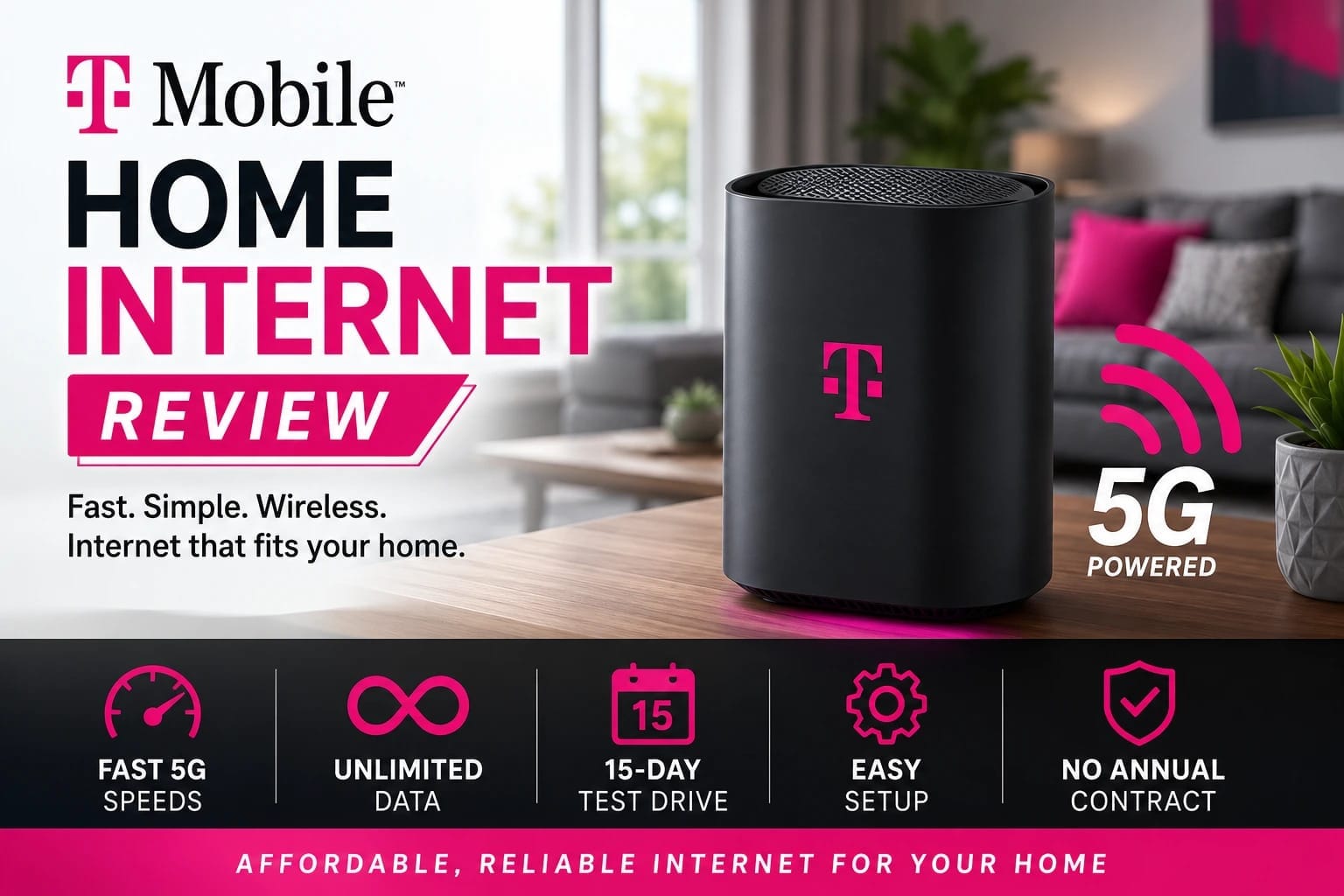
T-Mobile Home Internet review: T-Mobile Home Internet is a strong alternative to cable and DSL when its 5G network performs well at your address. It offers unlimited data on eligible plans, simple self-installation, included gateway equipment, no annual contract, and a 15-day test drive. Its main weakness is variable performance because speed depends on signal strength, network capacity, congestion, location, and gateway placement.
T-Mobile Home Internet Review and Everyday Performance
The T-Mobile Home Internet review topic is important for anyone looking for affordable broadband without a traditional cable or fiber installation. T-Mobile Home Internet uses a 5G cellular network to deliver internet service through a gateway that works as both a modem and Wi-Fi router. This approach makes setup easier than many traditional broadband services and gives households another option when wired internet is expensive, slow, or unavailable.
The service can be especially useful for renters, families, students, remote workers, and people living in areas with limited broadband choices. However, 5G home internet does not perform exactly the same way at every address. Signal strength, local tower capacity, congestion, building materials, and time of day can all affect results.
T-Mobile currently offers Rely, Amplified, and All-In home internet plans. Eligible plans include unlimited data, no annual contract, a 5G gateway, and a 15-day test drive. T-Mobile also advertises a five-year price guarantee on eligible plans, although taxes, fees, upgrades, and some other charges are excluded.
Key Specifications
| Feature | Current information |
|---|---|
| Technology | 5G fixed wireless |
| Data | Unlimited on eligible plans |
| Contract | No annual contract |
| Gateway | Included |
| Installation | Self-installation |
| Setup time | About 15 minutes or less |
| Trial | 15-day test drive |
| Rely download | Typically 170–354 Mbps |
| Rely upload | Typically 12–55 Mbps |
| Amplified/All-In download | Typically 170–498 Mbps |
| Price guarantee | Five years on eligible plans |
| Availability | Address and capacity dependent |
T-Mobile states that typical speeds can vary based on location, time of day, signal strength, network availability, and other conditions. The company currently lists typical Rely download speeds between 170 and 354 Mbps, while Amplified and All-In customers are listed at 170 to 498 Mbps.
Speed and Performance
Speed is usually the first concern in a T-Mobile Home Internet review. Unlike fiber, the service does not provide one guaranteed speed for every customer. Your results depend heavily on the cellular network serving your home.
For everyday use, the advertised performance is more than enough for many households. Web browsing, online classes, social media, music, cloud services, video calls, and high-quality streaming should work comfortably when the connection is strong.
The main issue is consistency. Wireless network conditions can change throughout the day. A connection that feels excellent in the morning may slow during a busy evening. That does not mean T-Mobile Home Internet is poor; it means fixed wireless service needs to be judged at the actual address where it will be used.
Coverage and Availability
Availability is one of the most important things to check before ordering. T-Mobile does not offer home internet at every address. Eligibility depends on location and available network capacity.
Having strong T-Mobile phone service does not automatically guarantee that your home qualifies. Home internet requires enough capacity for another fixed connection, so T-Mobile checks the address before allowing an order.
Location inside the house matters too. A gateway placed near a strong cellular signal can perform much better than one hidden inside a cabinet or positioned in a weak-signal room. Customers should experiment with placement after activation.
Setup and Gateway
Simple installation is one of the strongest advantages of the service. T-Mobile says customers can go from the box to browsing in about 15 minutes or less. The gateway combines the modem and router, so there is less equipment to manage.
This setup is convenient for renters because there is usually no need to arrange a traditional technician visit. Plug in the gateway, follow the setup instructions, connect your devices, and begin testing the connection.
Gateway placement deserves attention. The best location for cellular reception may not be the center of the home. Finding the right balance between strong 5G reception and good Wi-Fi coverage can improve the overall experience.
Wi-Fi Performance
A strong 5G connection does not automatically mean perfect Wi-Fi throughout the house. Large homes, thick walls, multiple floors, and interference can reduce wireless coverage.
The standard gateway may be enough for a small apartment or average-size home. T-Mobile’s All-In plan includes access to a mesh Wi-Fi extender, which can help reach areas that receive a weaker Wi-Fi signal. The company recommends trying the gateway first and requesting the extender when needed.
This makes the service flexible for different home sizes. Still, users with advanced networking needs should check the gateway’s available controls before replacing a traditional router setup.
Streaming and Remote Work
Streaming is a strong use case for T-Mobile Home Internet. A good connection can support multiple video streams, music, browsing, smart-home devices, and other normal household traffic.
Remote workers should pay closer attention to upload performance and stability. Video meetings, VPN connections, large uploads, and cloud applications can reveal problems that ordinary browsing may not show.
The best test is to use the connection during a normal workday. Join meetings, upload documents, connect to company systems, and monitor performance while other people use the network. Real household activity gives a better picture than one speed test.
Gaming Experience
Gaming can work well on T-Mobile Home Internet, but serious players should test it carefully. Download speed is not the only factor that matters. Ping, jitter, routing, and connection stability can affect online matches.
Casual gamers will often have a good experience when local network conditions are strong. Competitive players may still prefer fiber because wired connections usually provide more predictable latency.
The 15-day test drive is useful for this reason. Play your normal games during different times of day. Test busy evening hours, and see whether latency changes when other people stream video or download files.
Reliability
Reliability is where customer experiences can differ. Some homes may receive stable performance throughout the day, while others can see changing speeds because of local network conditions.
T-Mobile itself explains that wireless performance can vary because of network conditions, location, signal strength, and other factors. Its service also uses network management practices that customers should understand before subscribing.
For that reason, a good T-Mobile Home Internet review should focus on local testing rather than assuming that every customer will receive identical results.
Pros and Cons
Pros
- Unlimited data on eligible plans.
- No annual contract.
- Easy self-installation.
- Gateway equipment included.
- 15-day test drive.
- Five-year price guarantee on eligible plans.
- Strong speeds are possible.
- Useful alternative to cable and DSL.
- Mesh Wi-Fi support is available on All-In.
Cons
- Availability depends on address.
- Speeds can vary during the day.
- Upload performance is lower than many fiber plans.
- Network congestion can affect performance.
- Gateway placement is important.
- Fiber can offer lower and more consistent latency.
- Advanced users may want greater router control.
Real-World Testing
A proper T-Mobile Home Internet review should involve several tests rather than one quick benchmark. Check download speed, upload speed, and latency in the morning, afternoon, evening, and late night.
Next, perform normal household activities. Stream high-quality video while someone else joins a video meeting. Upload a large file while browsing. Play an online game while another device downloads content. Try a work VPN if your job requires one.
Gateway placement should also be tested. Move the gateway to different suitable locations and compare results. The strongest cellular position can make a major difference to the final experience.
T-Mobile Home Internet Review, Pricing, and Alternatives
Plans and Pricing
Pricing can change, so buyers should always confirm the current total before ordering. T-Mobile currently promotes Rely, Amplified, and All-In plans, with bundle discounts available for qualifying customers who also have a T-Mobile voice line. The company advertises a five-year price guarantee for eligible plans.
Rely is positioned as the basic option for everyday internet use. Amplified is designed for customers who want faster available speeds, while All-In adds features such as a mesh Wi-Fi unit, security benefits, technical support, and entertainment services.
The cheapest plan is not always the best choice. Households should consider the number of connected devices, streaming habits, gaming requirements, work needs, and expected data usage before selecting a tier.
Price Guarantee
The five-year price guarantee is an attractive feature for people who dislike unexpected internet price increases. Eligible plans are covered by the guarantee, although T-Mobile states that taxes, fees, voluntary upgrades, limited-time promotions, and certain other charges are not included.
That distinction matters. Buyers should compare the complete bill rather than assuming every future charge will remain unchanged.
T-Mobile Home Internet Review vs. Cable
Cable internet remains competitive in many areas. It can offer strong download speeds and established infrastructure, but introductory rates may expire and installation can be more involved.
T-Mobile has an advantage when simple setup, no annual contract, and wireless access are priorities. Cable can still be better for customers who need stronger upload speeds or more consistent performance.
T-Mobile Home Internet Review vs. Fiber
Fiber is generally the strongest technical alternative. It can provide excellent download speeds, very strong uploads, low latency, and consistent performance.
T-Mobile becomes more attractive when fiber is unavailable, expensive, or difficult to install. If affordable fiber is already available at your address, compare it carefully before choosing fixed wireless.
T-Mobile Home Internet Review vs. Verizon 5G Home Internet
Verizon 5G Home Internet is a close competitor because it also uses fixed wireless technology. Both services depend on local network capacity and signal quality.
The better option is the one that performs best at your home. Compare current prices, speed ranges, gateway features, trial terms, bundle discounts, and actual local performance before deciding.
Who Should Get T-Mobile Home Internet?
T-Mobile Home Internet is a good fit for households with strong local 5G coverage and limited wired broadband choices. Renters, students, remote workers, streamers, and families can all benefit when performance is stable.
Existing T-Mobile customers may receive additional value from bundle discounts. Even so, availability and real-world testing should come before switching from a reliable existing provider.
Who Should Avoid T-Mobile Home Internet?
Customers with affordable, reliable fiber may have little reason to switch. Competitive gamers, professional streamers, large content creators, and businesses that depend on highly consistent uploads should compare fiber and other wired services carefully.
People who expect the same speed at every location should also be cautious. Fixed wireless performance depends on local conditions.
More Information About Reviews, Please Visit Our Website: iPhone Reviews: Which iPhone Is Best in 2026?
Metro by T-Mobile Reviews: Honest Guide to Plans, Coverage, and Value
Apple Air Phone Camera Review: Is the iPhone Air Worth Buying?
Samsung Galaxy A56 Specifications: Features & Details
Huawei Pura 80 Ultra: Specs, Camera, Features & Review
Samsung Best Camera Phone: Top Galaxy Camera Phones
Huawei P30 Pro: Features, Performance, Camera and More
Best Budget Smartphones: Top Affordable Picks
iPhone 13 Pro Max Review: A Premium Apple Flagship in 2026
Frequently Asked Questions
1 Is T-Mobile Home Internet worth it?
Yes, when local 5G performance is strong. Unlimited data, simple installation, no annual contract, and a 15-day test drive make it attractive for many households.
2 How fast is T-Mobile Home Internet?
T-Mobile currently lists typical Rely download speeds of 170–354 Mbps and typical uploads of 12–55 Mbps. Amplified and All-In plans are listed at 170–498 Mbps for typical downloads.
3 Does T-Mobile Home Internet have unlimited data?
Yes. Current Rely, Amplified, and All-In plans advertise unlimited data, although network management and plan terms can apply.
4 Is T-Mobile Home Internet good for gaming?
It can be good for casual gaming and many online games. Competitive players should test latency and stability during busy hours before replacing a reliable wired connection.
5 Does T-Mobile Home Internet require professional installation?
No. Standard service is designed for self-installation, and T-Mobile says setup can take about 15 minutes or less.
6 Can I test T-Mobile Home Internet before committing?
Yes. T-Mobile currently offers a 15-day test drive for eligible customers. Use that period to test streaming, gaming, work calls, uploads, and Wi-Fi coverage around your home.
Final Verdict
This T-Mobile Home Internet review shows a service that can be an excellent alternative to cable and DSL when local 5G capacity is strong. Easy installation, unlimited data, flexible plans, included equipment, and a 15-day test make it appealing. Fiber remains the better choice for maximum consistency and upload performance, but T-Mobile Home Internet is worth considering for households that want fast, simple, contract-free broadband.